Home
Shop
Quick Start
How To's
Video Guides
Contact
FAQs
Downloads
More
Just enough to get going
Learn how to power on and charge Remote Display
Explore the real time pressure, results, and session stats views
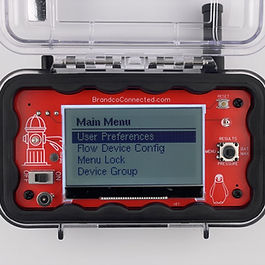
Dive in to the menu settings for a custom experience.
How to record current data for review
Learn how to change radio range when you need more distance
Understand Group ID's for multiple sets in proximity
Learn more about diagnostics